Fix Bluetooth Speaker Dropouts in Your Home
By Omar Haddad • 30th Nov
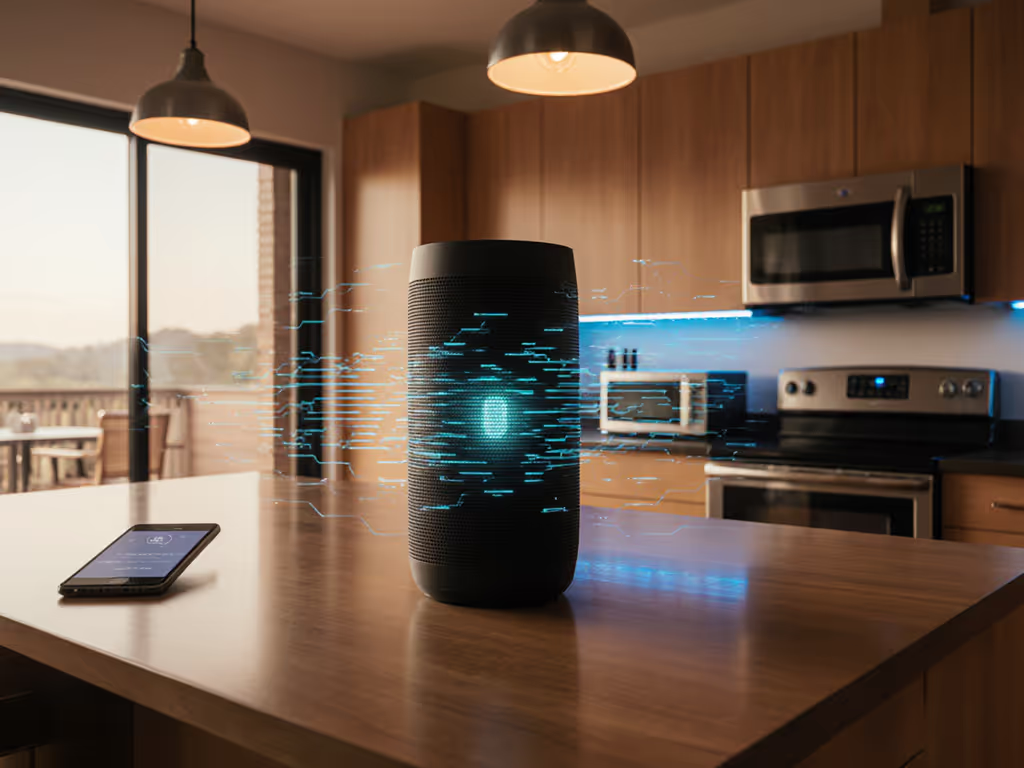
There's nothing more frustrating than your home Bluetooth speaker cutting out mid-song while you're trying to unwind after work. I've seen it too many times, music vanishing when you're showering, grilling, or just trying to cook dinner. The good news? You can improve Bluetooth connectivity without buying new gear or becoming a tech wizard. In my years setting up speakers for neighbors and family, I've found that most dropouts stem from simple, fixable issues. Let's tackle them together with clear, actionable steps that respect your time and sanity. Remember my aunt's bathroom setup? One less tap is one more song before work.
Why Your Bluetooth Speaker Cuts Out (And How to Stop It)
Before we dive into fixes, understand that Bluetooth isn't magic, it's physics. Walls, appliances, and even your own body can disrupt the signal. The goal isn't audiophile perfection; it's reliable sound that works quietly in the background of your life. Household gear should be invisible, right? These solutions prioritize reliability and simplicity over specs nobody tests in real kitchens or showers.
Quick Reality Check
- Typical Bluetooth range: 30 feet in open space (not through walls) — see our real-world range tests for what happens with walls and appliances.
- Setup time: Most fixes take under 5 minutes
- Critical safety note: Always keep speakers at least 3 feet from water sources (like showers) unless IPX7+ rated
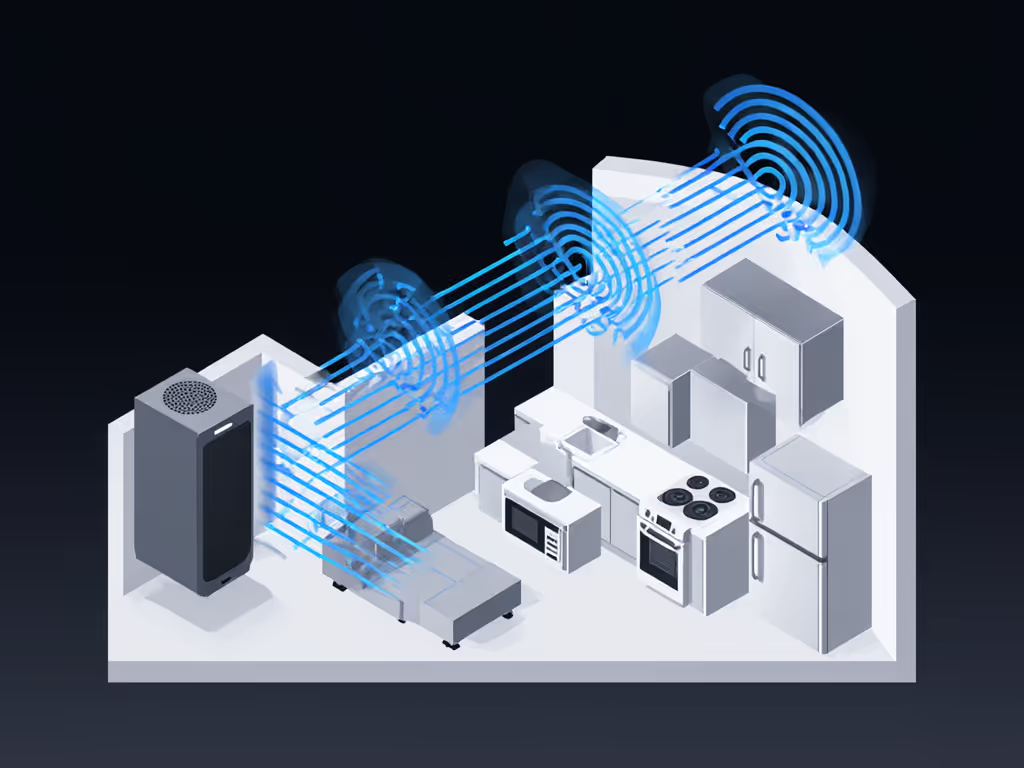
Step 1: Master the Distance Dance
Your speaker and phone don't need to be roommates, but they shouldn't be strangers either. Bluetooth struggles with physical barriers (even drywall or furniture weakens the signal). Here's how to optimize:
What to Do
- The 3-Foot Rule: Place your paired device (phone/tablet) within 3 feet of the speaker during initial pairing. Then slowly move away while playing audio until dropouts start. Mark that spot, it's your reliable range.
- The Line-of-Sight Test: Temporarily put both devices in the same room with no obstacles between them. If dropouts stop, your issue is definitely obstruction-related.
- Quick Win: Place your phone on a windowsill or open door when moving between rooms (e.g., kitchen to patio).
Pro Tip: Bluetooth 5.0+ (like in the Bose SoundLink Flex) handles obstacles better. But even older versions succeed with smart placement, no upgrade needed.
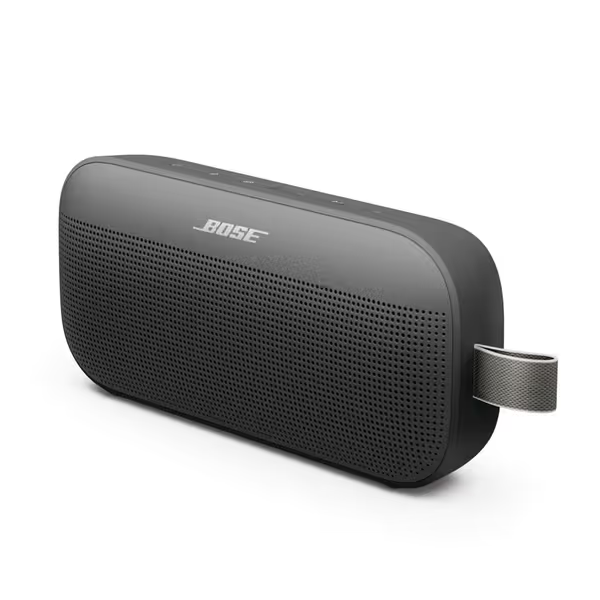
Bose SoundLink Flex
Big, bold sound; compact, rugged, and ready for any adventure.
$159
IP RatingIP67 (Waterproof & Dustproof)
IP RatingIP67 (Waterproof & Dustproof)
Pros
Clear, balanced sound with deep bass at any orientation.
Robust build: waterproof, dustproof, and drop-resistant.
Rock-solid Bluetooth 5.3 connectivity; multi-device pairing.
Cons
Premium price point for its size.
Customers praise this portable speaker's sound quality, with one highlighting its adjustable EQ feature. The device features impressive battery life that recharges quickly, and its Bluetooth connectivity is rock-solid, making it easy to connect to phones and iPads. Customers appreciate its compact size that's large enough for great sound, and find it well worth the price. They value its portability, noting it's perfect for travel and easily fits in purses, while also praising its functionality, with one mentioning it works well in a 500sf living room.
Customers praise this portable speaker's sound quality, with one highlighting its adjustable EQ feature. The device features impressive battery life that recharges quickly, and its Bluetooth connectivity is rock-solid, making it easy to connect to phones and iPads. Customers appreciate its compact size that's large enough for great sound, and find it well worth the price. They value its portability, noting it's perfect for travel and easily fits in purses, while also praising its functionality, with one mentioning it works well in a 500sf living room.
Step 2: Slash Interference Like a Pro
Your home is a battlefield of wireless signals. Microwaves, Wi-Fi routers, baby monitors, they all fight for airtime. Bluetooth hops frequencies to avoid clashes, but crowded spaces cause dropouts. Here's how to win:
What to Do
- The 2.4 GHz Sweep: Identify devices using 2.4 GHz (most Wi-Fi, microwaves, cordless phones). Keep your speaker at least 6 feet away from these. Yes, even when the microwave is off!
- Wi-Fi Channel Fix: Log into your router and switch to 5 GHz Wi-Fi for your main devices. This frees up 2.4 GHz for Bluetooth. Takes 2 minutes.
- Quick Win: During critical moments (dinner parties, morning routines), turn off unused Bluetooth devices, like that smartwatch charging on your nightstand.
Real Example: A client's speaker died near her kitchen counter. Moving it 18 inches away from the fridge (which emits RF noise) fixed it permanently.
Step 3: Optimize Placement for Your Room Type
Where you put your speaker matters more than its price tag. For fundamentals that boost stability in any room, try our home placement guide. Different rooms need different strategies:
What to Do (By Scenario)
| Room Type | Best Placement | Controls Needed | Why It Works |
|---|---|---|---|
| Bathroom | On non-slip shelf, away from shower stream | 1 button (play/pause) | Steam and water droplets scatter signals; elevation avoids splashes |
| Kitchen | Countertop near stove (not sink!) | 2 buttons (vol +/-) | Heat from stove is safer than water near sink; avoids steam interference |
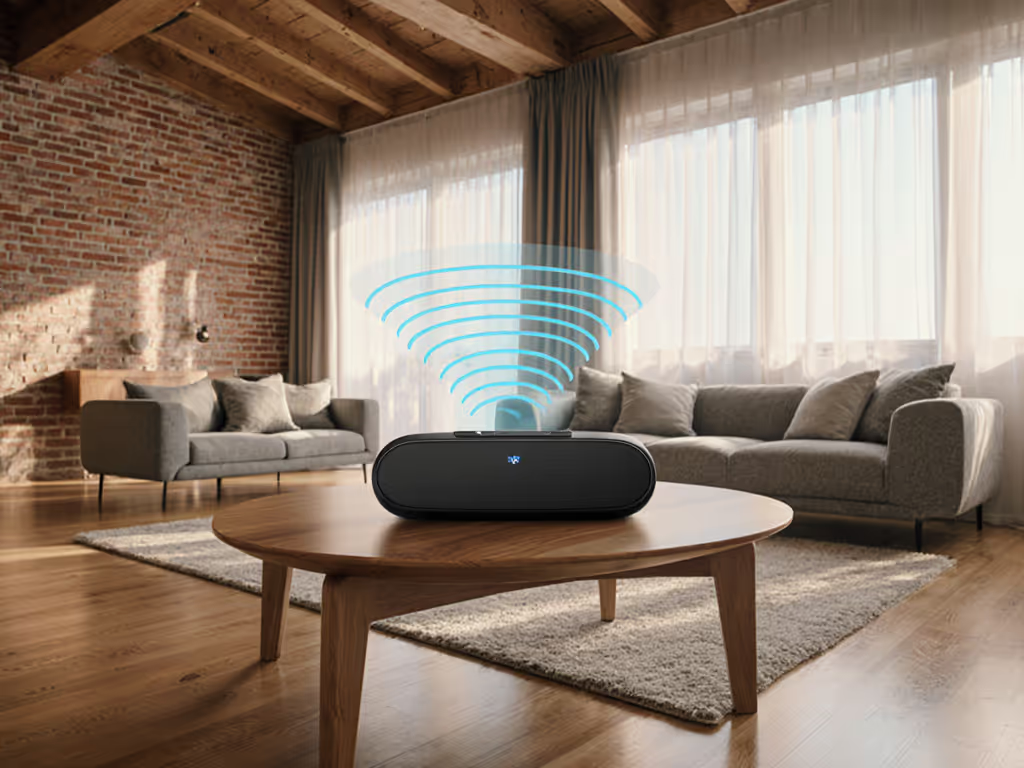
| Open Living | Floor corners (not center) | 3 buttons (bass/boost) | Walls reflect sound and Bluetooth signals, boosting stability |
| Balcony | Against exterior wall | 1 button | Building structure shields outdoor RF noise (like neighbor's Wi-Fi) |
Critical Safety Note
- IP ratings matter: For bathrooms, only use IPX7+ speakers (survives 30-min submersion). Never place non-IPX7 speakers within splash zones.
- Distance from splashes: Minimum 3 feet from shower heads, 2 feet from sinks.
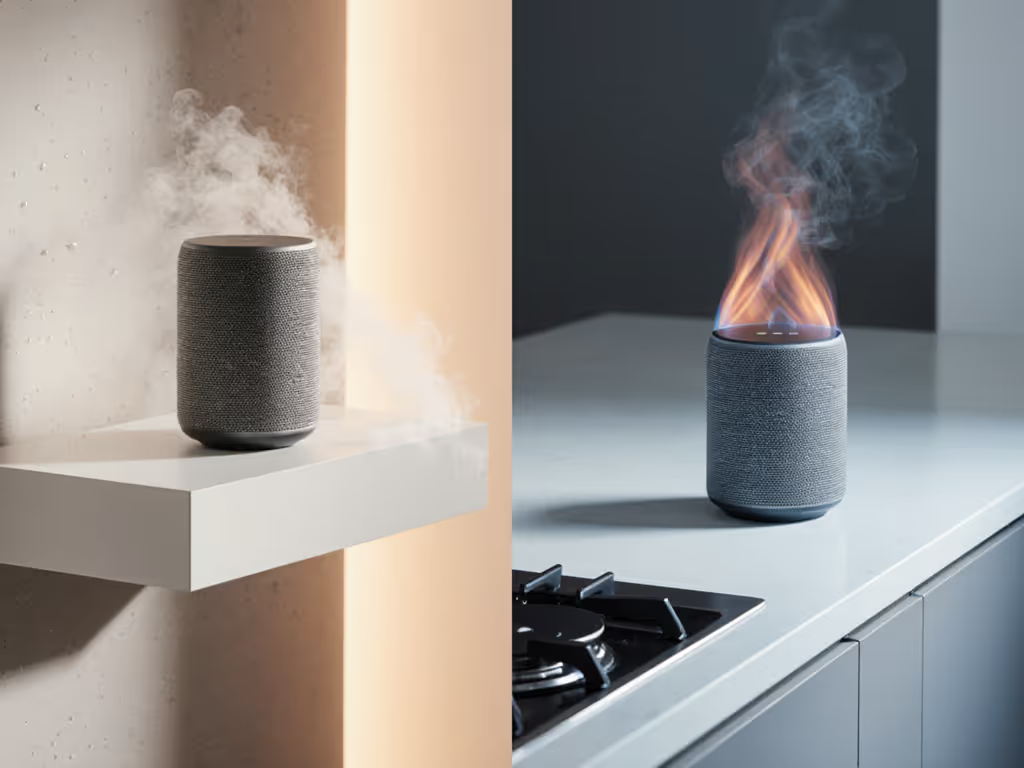
Remember: Placing a speaker on the floor (like Result 2 suggests) works for bass-heavy music in living rooms, but avoid it in kitchens where spills happen. Context is king.
Step 4: Simplify Your Pairing Workflow
Many dropouts stem from messy device management. Phones auto-connect to 3+ devices, causing Bluetooth "traffic jams." Here's how to streamline:
What to Do
- Single-Point Priority: In your phone's Bluetooth settings, "Forget" unused devices (like that old speaker at your parents' house).
- The 2-Device Rule: Never pair more than 2 devices to your speaker simultaneously. If you need multi-device flexibility (e.g., phone + laptop), use speakers with true multipoint like the Bose SoundLink Flex.
- Quick Win: Label speaker buttons with stickers (e.g., "Guest Mode" for party pairing). Confusion causes accidental disconnects.
Pro Tip: If attending virtual meetings, disable Bluetooth audio during calls, Wi-Fi calling drains less battery and avoids speaker conflicts.
Step 5: Update Firmware - The Silent Fixer
Manufacturers quietly patch Bluetooth bugs via firmware. Most users skip this, enduring fixable dropouts for months.
What to Do
- Monthly Check: Open your speaker's companion app (Bose Connect, JBL Portable) and tap "Check for Updates".
- Hard Reset Trick: If updates fail, press/power + volume down for 10 seconds. Clears corrupted pairing data.
- When to Consider Upgrading: If dropouts persist after updates, look for speakers with Auracast (like JBL Boombox 4). It handles crowd-spots better, but only as a last resort.
Putting It All Together: Your Dropout-Proof Routine
Start with Step 1 (distance check) and 2 (interference scan), they solve 80% of issues. Then tweak placement for your room type. Most fixes take under 10 minutes total. In my experience, nailing Bluetooth signal optimization isn't about fancy gear; it's about understanding your space. Reduce interference, maximize wireless audio range intentionally, and embrace Bluetooth range enhancement techniques that fit real life.
Small tweaks, big routine wins. I still use this framework when setting up speakers for neighbors, like the elderly couple who finally got stable music in their garden without wrestling with apps.
Your Next Step
Try one fix today, like moving your speaker away from the microwave. Notice if dropouts drop. If you're still struggling, explore speakers designed for resilience: models with Bluetooth 5.3+ (like the Bose SoundLink Flex) handle obstacles better, while Auracast-enabled systems (like JBL's newer lines) excel in dense environments. But remember: the simplest solution is usually the most reliable. Stay tuned for my next piece on choosing waterproof speakers that actually survive bathroom steam, where I'll break down real-world IPX testing you won't see in spec sheets. In the meantime, our waterproof IPX ratings comparison explains which ratings actually survive bathrooms, pools, and showers.
Related Articles