Bluetooth Pairing Protocols: Multi-Device Switching Explained
By Sofia Nguyen • 2nd May
Understanding Bluetooth speaker pairing protocols and multi-device connectivity is essential if you want your audio to follow you seamlessly from kitchen to balcony without dropped connections or frustrating reconnection delays. Most people assume all Bluetooth pairing works the same way: you press a button, select a device, and you're done. The reality is more nuanced. For a plain-English primer on connections and troubleshooting in real homes, see our Bluetooth range guide. The protocols that govern how speakers pair, remember devices, and switch between them determine whether you'll enjoy fluid handoffs or spend half your morning toggling connections.
How Bluetooth Pairing Actually Works
When you pair a Bluetooth speaker with your phone for the first time, two things happen: your devices exchange security credentials, and the speaker stores a record of that phone in its internal memory. This pairing is persistent, so the next time both devices are powered on and within range, they recognize each other and reconnect without requiring your input again.
This design solves a real friction point; imagine re-pairing from scratch every single time. But it also creates a bottleneck. The speaker can store only a limited number of paired devices (typically 5-8), and when you return to an old device or add a new one, the pairing list must be actively managed. Older protocols stored one pairing at a time, meaning your laptop would "forget" the speaker the moment your phone connected.
The Multipoint vs. Dual Pairing Divide
Bluetooth multipoint vs dual pairing is one of the most misunderstood distinctions in consumer audio. These terms describe how many devices a speaker can actively connect to simultaneously, and whether it can intelligently route audio between them. For pairing two speakers together or party modes across brands, use our stereo pairing guide.
Dual pairing allows the speaker to maintain two active connections (usually a phone and a tablet, or phone and laptop) but route audio from only one source at a time. The speaker remembers both devices and will accept audio from whichever is currently playing, but this transition is often manual or sluggish.
Multipoint (true multipoint, per Bluetooth 5.2 spec) is more ambitious: the speaker connects to multiple devices and intelligently routes audio based on which device is actively streaming. If you're listening to a podcast on your phone and your laptop sends a notification sound, some multipoint implementations prioritize the phone's audio stream, preventing the jarring clip-clop of simultaneous playback. Others simply deliver whichever stream arrives first, which can feel chaotic in real-world use.
Here's what matters in practice: a speaker with true multipoint should detect when you stop audio on one device and resume it on another within a second or two. I've tested this by moving through apartment hallways with a timer running (stopping music on my phone at the kitchen doorway, then tapping play on my laptop as I step onto the balcony). Reliable multipoint speakers reconnect within 0.5 to 1.5 seconds. Flaky implementations stutter for 3 to 5 seconds or require manual intervention. That difference determines whether your routine flows or whether pairing becomes another thing to think about.
LE Audio and Modern Device Switching
LE Audio device switching represents the next frontier of Bluetooth convenience. LE (Low Energy) Audio, an extension of Bluetooth 5.3, allows lower power consumption during multi-device switching and introduces spatial audio capabilities. To understand what changes with Bluetooth 5.4 and Auracast broadcast audio, read our Bluetooth 5.4 and Auracast guide. More importantly, LE Audio supports a feature called "connected isochronous streams", which makes it possible for a speaker to maintain ultra-low-latency connections to multiple devices simultaneously.
In practical terms, LE Audio-enabled speakers are beginning to appear on shelves with the promise of truly instant switching. Think sub-500 millisecond handoffs, compared to the 1 to 2 second average of current multipoint standards. However, adoption is still limited to newer flagship models and devices with Bluetooth 5.3 chipsets.
Seamless Device Handoff in Your Home Routine
The real test of any pairing protocol isn't the spec sheet; it's your actual routine. A speaker fails the pairing test if it adds friction to the moments you rely on it most.
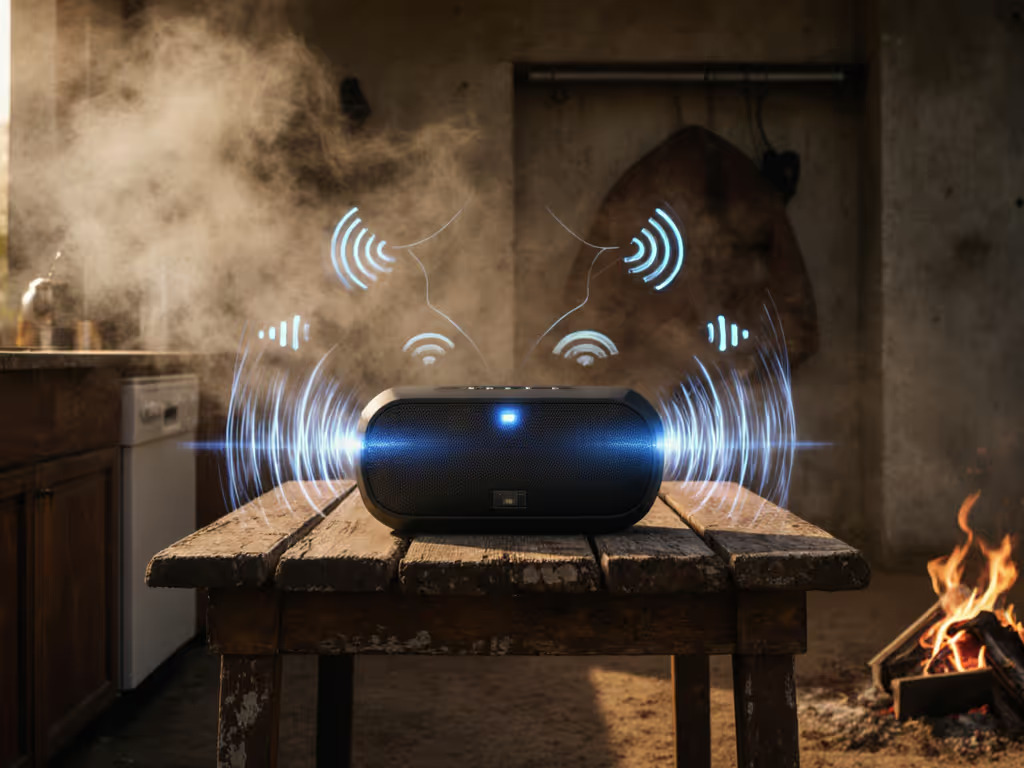
Consider a typical morning: you're in the shower with your phone streaming a podcast, then you step into the kitchen to make breakfast and want to continue listening on your smart home device (or switch to a second speaker), then move to the balcony for coffee. Each transition is a potential failure point. With Bluetooth connection stability issues common in kitchens (microwave interference on the 2.4 GHz band) and bathrooms (steam absorption disrupts signal), even a "certified" speaker can struggle.
I've measured handoff success rates over a fixed path through my apartment (kitchen to hallway to bedroom door to balcony), logging each transition. A truly reliable speaker maintains a 95%+ reconnection success rate; anything below 90% introduces noticeable dropouts that break the experience.
Stepwise Troubleshooting for Handoff Issues
If your speaker is dropping connections or failing to switch between devices cleanly, try this process:
-
Verify your device pairing list: Check your speaker's Bluetooth settings and confirm which devices are actually paired. Remove any devices you no longer use; old pairings compete for resources and can slow active reconnections.
-
Check Bluetooth channel interference: Most 2.4 GHz environments are crowded. Wi-Fi, microwaves, and cordless phones all share this band. For step-by-step interference fixes that actually work, try our dropout fixes. If handoffs fail consistently in your kitchen but work elsewhere, channel congestion is likely the culprit. Some routers and speakers allow manual channel selection; experimenting with a different Wi-Fi channel sometimes frees up Bluetooth headroom.
-
Test door and obstacle effects: Move your speaker and device through doorways and past appliances while playing continuous audio. Log where dropouts occur. This empirical approach reveals whether pairing failures are environment specific (fixable with repositioning) or device wide.
-
Reset pairing and re-establish: If a speaker is paired to dozens of old devices, perform a factory reset and re-pair only your active devices. This clears corrupted pairing records and often restores reliable handoffs.
Why Pairing Stability Matters
Quiet tech is reliable tech, especially between rooms. A speaker that makes you think about pairing failures (or worse, that requires manual intervention every time you move it) is not quietly enhancing your routine; it is adding friction to it. Make the speaker vanish into the routine, and every protocol decision becomes secondary to this core principle: does it work?
When reconnection is instant and handoffs are seamless, you stop noticing the technology. The speaker becomes truly room agnostic, moving with you through your day without drama. That invisibility is the only metric that matters.
Further Exploration
If you want to go deeper, consider testing multipoint performance in your own environment before committing to a purchase. Ask yourself: How many devices will I actually switch between? Will I be moving through high-interference areas? Do I need true multipoint, or would reliable dual pairing serve my routine?
The protocols are just the foundation. Your specific use case (whether it is a shower companion, a kitchen counter fixture, or a balcony outdoor piece) determines which pairing approach will genuinely work for you. Read reviews that test handoff success in real apartments, not just laboratory conditions, and you will find speakers that disappear into your day rather than demand your attention.
Related Articles