Best RV Bluetooth Speakers: Battery Life Tested
By Sofia Nguyen • 6th May
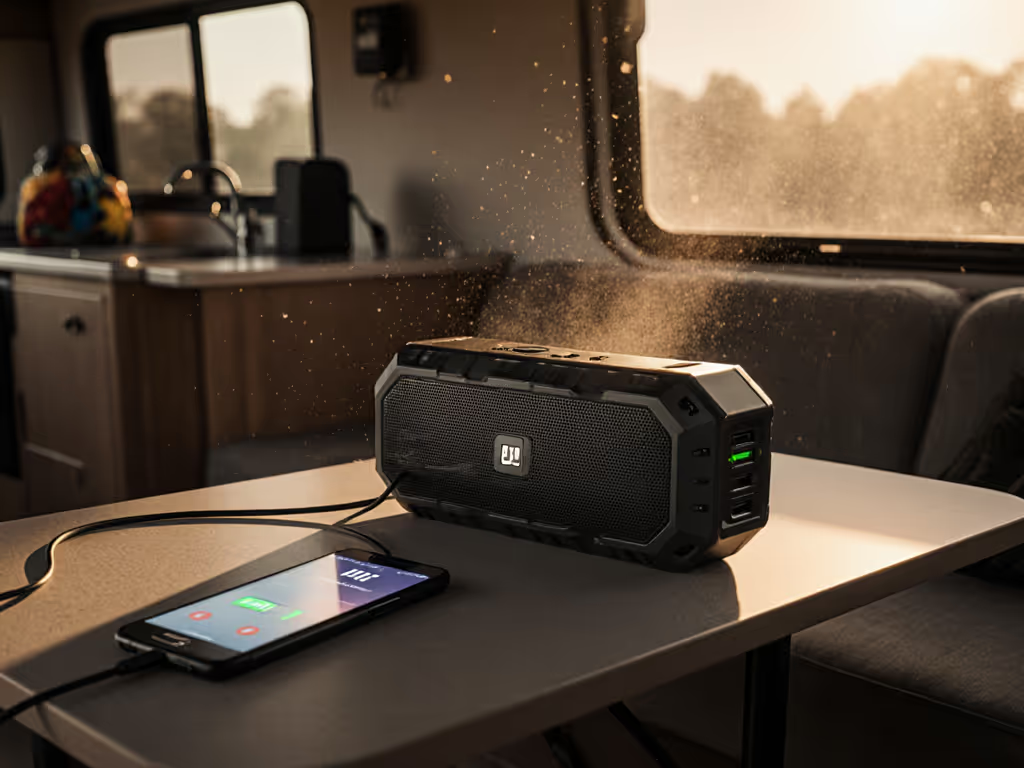
When you're rolling between campsites or anchored for a weekend, audio can't be an afterthought. The best Bluetooth speakers for RV living aren't about wattage or drivers; they're about vanishing into your routine. A speaker that reconnects in half a second between the cab and sleeping quarters isn't just convenience; it's the difference between uninterrupted coffee-hour playlists and frustration before dawn.
I learned this the hard way years ago, in a very different setting. I was stirring a simmering pot with wet hands when my phone rang on the balcony. I watched the speaker drop and reconnect as I moved between rooms, timer running. When I replayed that path later with a laptop, logging each handoff success, something became clear: when reconnection is instant, daily life flows; when it stutters, everything does. That principle applies equally in an RV, where you're moving continuously through constrained metal spaces and unpredictable Wi-Fi deserts.
This guide walks you through testing and selecting RV camping audio systems that deliver both promised battery life and bulletproof stability in real use.
Step 1: Decode Battery Claims vs. Real Runtime
Marketing claims about battery life are notoriously optimistic. They assume you're playing at 50% volume in ideal conditions, often with the speaker in a quiet lab. In an RV (where you're running audio to mask road noise, power generator hum, or neighbor chatter) usable volume is typically 70-80%. At that level, runtime shrinks dramatically.
What to measure:
- Charge the speaker to 100% using the power source you'll actually use in your RV (solar, inverter, shore power, or standard outlet).
- Set volume to a realistic level for your environment. If you're playing music to fill a kitchen area while cooking, that's usually 70-75% on the speaker's dial, not 50%. If it's background sound in a moving cab, maybe 60%.
- Play a consistent test playlist (instrumental or dialogue-heavy content reduces perceived loudness variation) for at least 2 hours without interruption. Note the remaining battery percentage after exactly 1 hour and 2 hours.
- Extrapolate based on the curve. Battery drain is rarely linear. Most speakers hold strong for 50% of their claimed time, then drop faster as voltage sags.
A speaker claiming "24 hours" but delivering 10-12 at your real volume is still perfectly usable for weekend trips. A speaker claiming 12 hours and delivering 8 is honest. The gap between claim and reality is the real test of manufacturer integrity. For actionable ways to stretch runtime in the real world, see our battery life field tips.
Battery life at your actual volume is the bedrock of RV reliability; anything less is hope, not data.
Step 2: Test Handoff Stability Across Your RV Routes
This is where most speakers fail in real life. The moment you move your phone from the bedroom to the kitchen, or start playing music in the cab while driving, connectivity becomes critical. Dropouts lasting even 2-3 seconds are jarring and break immersion. If you hit stutters on your route, try our dropout fixes that actually improve range and stability.
Set up a standardized test path:
- Identify your typical audio routes. In most RVs, that's cab → living area → kitchen/dinette → bedroom → exterior (awning/campsite). Mark these zones or measure rough distances.
- Connect your phone to the speaker and play continuous audio (Spotify, podcast, or an audio file downloaded to your device).
- Walk slowly through each transition, noting exactly when audio stutters or cuts out. Measure the gap in seconds using the audio waveform or by counting. Modern phones (most iOS 15+ and Android 12+) show connection stability in Bluetooth settings.
- Log the handoff success rate. If the speaker reconnects within 0.5 seconds, mark it as "seamless." 0.5 to 2 seconds is "noticeable but tolerable." Above 2 seconds is a failure for RV use.
- Repeat with obstacles. Test again with:
- A water container or humidifier between you and the speaker (simulating steam from cooking or a damp bathroom).
- Metal cabinets or framing in between (most RV walls include aluminum or steel).
- A second Bluetooth device (laptop, smartwatch) paired to the speaker, switching active sources.
Record these results in a simple table:
| Route | Obstacle-Free | Through Door/Wall | Multi-Device Handoff | Avg Reconnection Time |
|---|---|---|---|---|
| Cab → Kitchen | Seamless | Noticeable (1.2s) | Tolerable (1.8s) | 1.3s |
| Kitchen → Bedroom | Seamless | Noticeable (0.8s) | Seamless | 0.9s |
| Bedroom → Exterior | Seamless | Stutters (2.5s) | Fails | 2.5s+ |
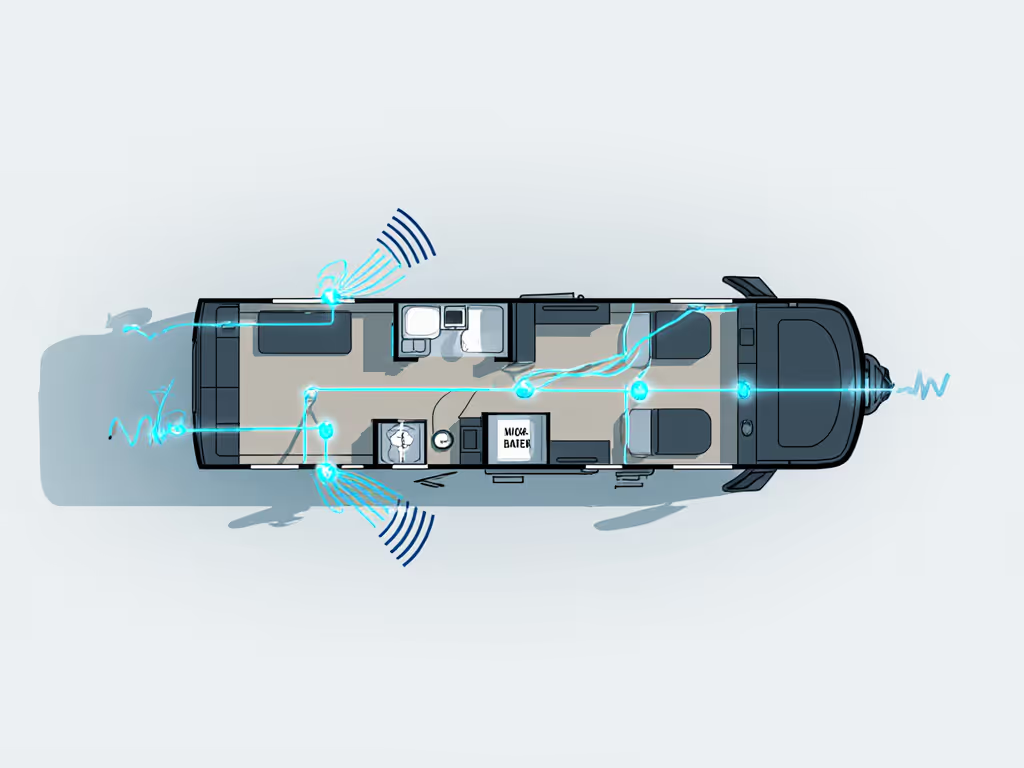
Speakers that maintain handoff success rate over 90% across your real routes are keepers. Below 80%, and you'll grow to resent them.
Step 3: Evaluate Mounting and Vibration Resistance
An RV is a moving, vibrating, bouncing platform. A speaker sitting loosely on a shelf will rattle, slide during acceleration, and eventually fall. Beyond safety and property concerns, vibration-resistant speakers prevent audio distortion and premature hardware failure.
Practical assessment:
- Check the enclosure material. Hard plastic with rubber feet is standard; rubber-coated speakers (like those with silicone sleeves) absorb vibration better but are heavier and may impede airflow, warming the battery.
- Test the grip or strap. Many portable speakers include loops or mounting points. Actually try attaching it to your RV cabinetry or a shelf using whatever method the manufacturer provides. Does it stay put during hard turns or bumps? (Simulate this by lightly pushing the mounted speaker sideways; it should resist movement.)
- Assess adhesive and bracket options. Some RV owners use 3M Command strips (removable adhesive) or low-profile mounting brackets. Check if the speaker's flat surface allows this, and if the manufacturer explicitly permits non-permanent mounting without voiding the warranty.
- Listen for vibration buzz during playback. Play mid-range music (120-150 Hz bass) at 70% volume. If you hear a secondary buzz or rattle separate from the intended audio, the enclosure may be too thin or not damped well.
Vibration-resistant speakers that clamp or secure tightly to a shelf or cabinet mount point will keep your audio crisp through rough terrain and reduce listener fatigue.
Step 4: Test Connectivity in RV-Specific Environments
RVs present unique Bluetooth and Wi-Fi obstacles: metal frame interference, proximity to power inverters (which emit electrical noise), solar charge controllers, and often dense neighboring RVs at campgrounds.
Diagnostic checklist:
- Check the Bluetooth version and chipset. Speakers with Bluetooth 5.0 or later, particularly those using Qualcomm CSR or Nordic chipsets, handle interference better. Older Bluetooth 4.2 models may falter in congested campground frequencies.
- Observe Wi-Fi/Bluetooth channel notes stated in the manual. Does the speaker use the 2.4 GHz band exclusively, or does it support 5 GHz? In crowded campgrounds, a speaker that can hop between channels or prioritize less-congested bands (like 5 GHz) will stay more stable.
- Test near common RV noise sources: Place the speaker 3 feet from a running microwave, inverter, or solar panel controller. Play audio for 5 minutes and note any dropouts or lag. If the speaker maintains playback without interruption, it's well-shielded.
- Assess codec support. Speakers supporting aptX, LDAC, or other advanced codecs may offer better range and stability than those limited to SBC (the baseline codec). This is a differentiator in harsh RF environments.
Document your findings. A speaker that maintains clean playback in a high-interference zone is a tactical advantage at a crowded summer campground.
Step 5: Verify Off-Grid Practical Use and Charging Friction
RV life often means intermittent power. You might have shore power at one campsite, solar only at another, or a generator running a few hours daily. Charging infrastructure and power-draw efficiency matter intensely.
Assessment steps:
- Measure charging time from empty to full using the power sources available in your RV: solar inverter output, 12V auxiliary outlet, or standard 120V outlet. Is charging fast enough to prepare the speaker between evening and morning use? (Under 3 hours is realistic; over 6 hours is a commitment.) For measured times across popular models, see our charging speed tests before you buy.
- Check if the speaker can play while charging. This is a subtle but critical feature. If the speaker must power down during charge, you've lost flexibility on low-power days.
- Examine the charging port. USB-C is increasingly standard and more robust than micro-USB. Proprietary connectors lock you into the vendor's ecosystem. For RV travel, versatility matters: USB-C lets you charge from power banks, solar chargers, or any modern device.
- Test power-draw stability. Leave the speaker on standby (paired but not playing) for 24 hours and measure battery loss. A well-designed speaker should lose no more than 5-8% per day. Excessive standby drain means your speaker is dead when you want it.
- Run an "off-grid scenario." Simulate a weekend trip with no shore power. Charge the speaker fully, then use it for a realistic day (say, 4 hours of music and podcasts across different rooms). Measure the remaining battery. Can you recharge it sufficiently the next day using only your solar panel capacity? Or are you rationing audio time?
Document the results. RV camping audio systems that prioritize charging speed and efficiency make the difference between a spontaneous music weekend and a data-management chore.
Step 6: Cross-Test Multi-Device Stability and Voice-Clarity Edge Cases
An RV's audio life isn't just music. You're juggling podcasts on your phone, audiobooks on a tablet, navigation voice prompts on the cab stereo, and perhaps video calls with family. Speakers claiming "multi-point connectivity" or "dual Bluetooth pairing" often fail when you actually try to switch devices. Understand how pairing protocols and multipoint impact real-world switching so you can spot marketing spin.
Practical test:
- Pair two devices (e.g., phone and laptop) simultaneously and confirm both show as connected in the speaker's app or Bluetooth menu.
- Play audio on Device A, then send audio from Device B (e.g., start a video call). Does the speaker instantly hand off, or does it hesitate, revert to Device A, or cut out?
- Test voice-clarity scenarios. Play a podcast at 70% volume on your phone, then ask someone to speak to you from the next room (simulating kitchen to living area). Can you hear both? Or does the background audio dominate?
- Stress-test with competing signals. Have a family member's phone, your laptop, and a smartwatch all within range and connected. Play a timer alarm on the watch, and observe how the speaker prioritizes and handles the switch.
Speakers that nail multi-device handoff without fumbling are rare and worth noting. Most stumble at the handoff itself, taking 3-5 seconds or requiring manual re-pairing. That's not acceptable for RV living, where you're context-switching constantly.
Putting It Together: Your RV Speaker Routine
The goal is not to find a speaker that checks every box; real products always trade off size for bass, or battery for loudness. Instead, you're mapping your actual needs onto measured reality.
Create a simple scoring sheet:
| Criterion | Weight | Speaker A | Speaker B | Speaker C |
|---|---|---|---|---|
| Battery runtime at your volume | 30% | 8h / 10h = 0.8 | 12h / 12h = 1.0 | 10h / 12h = 0.83 |
| Handoff success rate (multi-room) | 25% | 85% / 0.85 | 95% / 0.95 | 70% / 0.70 |
| Mounting/Vibration durability | 20% | Good / 0.8 | Excellent / 1.0 | Fair / 0.6 |
| Charging speed & off-grid efficiency | 15% | Moderate / 0.7 | Fast / 0.95 | Slow / 0.5 |
| Weighted Score | 0.81 | 0.96 | 0.72 |
The speaker that scores highest isn't automatically the best; it's the best fit for your RV and travel patterns. A lower-scored speaker might be right if it's significantly cheaper or if one category doesn't align with your actual use.
Make the speaker vanish into your routine. If you're thinking about it, troubleshooting, repairing, or resenting poor handoffs, it's already failed.
Conclusion: Reliable Audio for Life on the Road
The best Bluetooth speakers for RV travel aren't flashy. They reconnect instantly as you move through your rig. They hold a charge through a realistic weekend or week. They mount securely and play cleanly at highway speeds or during a thunderstorm. Battery life tested in real conditions, not lab silence, is your north star. Ready to choose? See our RV-tested speaker picks vetted for space, vibration, and battery life.
Use these six steps as a framework for your own testing. Take notes. Log reconnection times measured in seconds. Measure runtime at your volume. Document handoff success rates over your fixed paths. Your data beats any spec sheet, and your confidence beats marketing copy every time. The RV life you're building deserves audio that simply works, without drama, without dropouts, without regret.